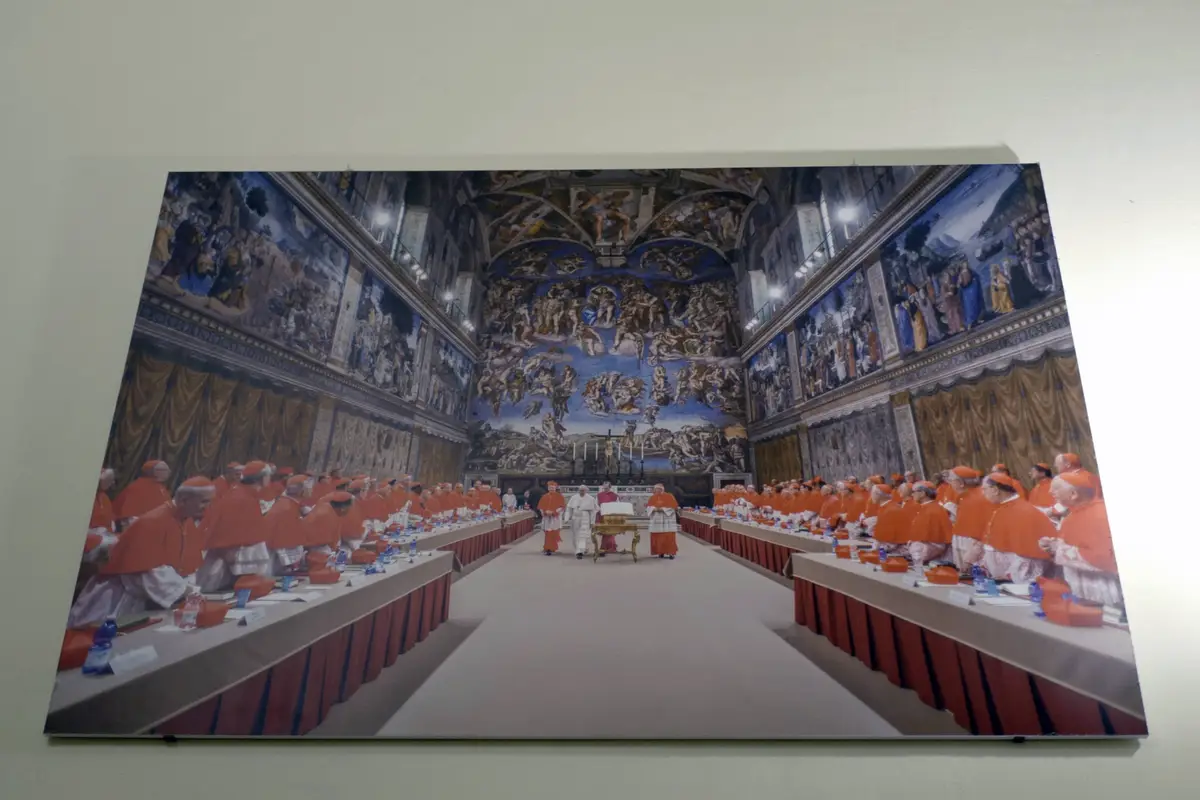
De paus leidt een wereldkerk, ontmoet regeringsleiders en staat aan het hoofd van Vaticaanstad. Toch ontvangt hij geen regulier salaris. Kardinalen die voor het Vaticaan werken, krijgen doorgaans wél enkele duizenden euro’s per maand. Maar wie alleen naar het loon kijkt, mist een belangrijk deel van het verhaal: ook huisvesting en andere voorzieningen tellen mee.reuters+1
De paus krijgt geen loon, maar zijn kosten worden betaald
Aan het pausschap hangt geen gebruikelijk arbeidscontract met een maandelijkse loonstrook. Het Vaticaan zorgt voor het levensonderhoud van de paus. Huisvesting, voeding, kleding en reizen worden voor hem betaald. Dat geldt ook voor paus Leo XIV: tegenover zijn ambt staat geen regulier salaris.
‘De paus verdient niets’ klinkt daardoor spectaculairder dan het is. Hij hoeft niet van een lege bankrekening boodschappen te doen of de kosten van zijn ambtswoning zelf te dragen. Geen loon ontvangen is iets anders dan zonder financiële voorzieningen te leven.
Hoeveel verdienen kardinalen?
Voor kardinalen ligt het anders. Persbureau Reuters meldde in oktober 2024 dat kardinalen in Rome volgens Italiaanse mediaberichten een maandelijkse vergoeding van ongeveer 4.000 tot 5.000 euro ontvingen. Dat bedrag is een veelgenoemde indicatie, geen openbaar gecontroleerde salaristabel die voor iedereen geldt.
Ook de precieze functie maakt het verschil. Catholic News Service berichtte in dezelfde maand dat het basissalaris van een kardinaal die een Vaticaans bestuursdepartement leidde iets boven de 5.000 euro per maand lag. Daar kwamen destijds nog toelagen bij. De uiteenlopende bedragen laten zien waarom het onverstandig is om over hét kardinalensalaris te spreken
Bovendien zegt de maandelijkse betaling niet alles over de financiële positie. Reuters meldde dat veel kardinalen die in Rome werken in ruime appartementen wonen tegen huren die aanzienlijk onder de marktprijs liggen. Een vergelijking met een werknemer die alle woonlasten zelf betaalt, gaat daardoor niet zomaar op.
Franciscus liet kardinalen inleveren
Ook binnen het Vaticaan moest de broekriem worden aangehaald. Paus Franciscus besloot dat de salarissen die de Heilige Stoel aan kardinalen betaalde, vanaf 1 april 2021 met 10 procent moesten dalen. De coronapandemie had de inkomsten geraakt en bestaande financiële tekorten verergerd. Met de ingreep wilde hij onder meer banen behouden.
In november 2024 volgde een afzonderlijke bezuiniging voor kardinalen die Vaticaanse departementen leidden. Twee maandelijkse toelagen verdwenen, samen naar schatting ongeveer 500 euro. Die vergoedingen waren onder meer bedoeld voor kosten van persoonlijke secretariële ondersteuning. Het ging dus niet uitsluitend om vrij besteedbaar inkomen
Leo XIV beëindigde de coronakortingen in 2026
Wie de salarissen nu wil beschrijven, moet rekening houden met een recente verandering. Paus Leo XIV trok de bezuinigingsregeling uit 2021 met ingang van 1 september 2026 in. Volgens Vatican News was de uitzonderlijke situatie van de pandemie voorbij en konden de bijbehorende salarismaatregelen worden beëindigd.
Dat betekent niet dat alle eerdere inhoudingen alsnog worden terugbetaald. Het besluit laat de gevolgen over de periode waarin de regeling gold intact, waaronder de toenmalige bevriezing van periodieke salarisverhogingen. De intrekking levert bovendien op zichzelf geen nieuwe openbare salaristabel op. De bedragen uit eerdere nieuwsberichten zijn daarom niet zonder meer aan te merken als de exacte salarissen van vandaag.
Niet iedere kardinaal staat op de loonlijst van het Vaticaan
Een laatste onderscheid is belangrijk: kardinaal zijn betekent niet automatisch dat iemand in Rome werkt of daar hetzelfde bedrag ontvangt. Een kardinaal kan bijvoorbeeld ook een aartsbisdom leiden. Zijn inkomen hangt dan samen met zijn functie en de regelingen in het betreffende land. Er bestaat geen wereldwijd uniform salaris dat uitsluitend bij de kardinaalstitel hoort. as
De tegenstelling is dus minder eenvoudig dan ‘een arme paus tegenover goedbetaalde kardinalen’. De paus krijgt geen regulier loon, maar wordt volledig in zijn levensonderhoud gehouden. Werkende kardinalen kunnen een inkomen van duizenden euro’s per maand ontvangen, soms met gunstige woonvoorzieningen. Voor een eerlijk beeld tellen niet alleen de euro’s op de loonstrook, maar ook de kosten die iemand niet zelf hoeft te betalen.